The logon process is a bit convoluted. Luckily, the session stays connected as long as the browser window is not closed.
- Add helpdesk@probuscanada.ca to your browser profiles
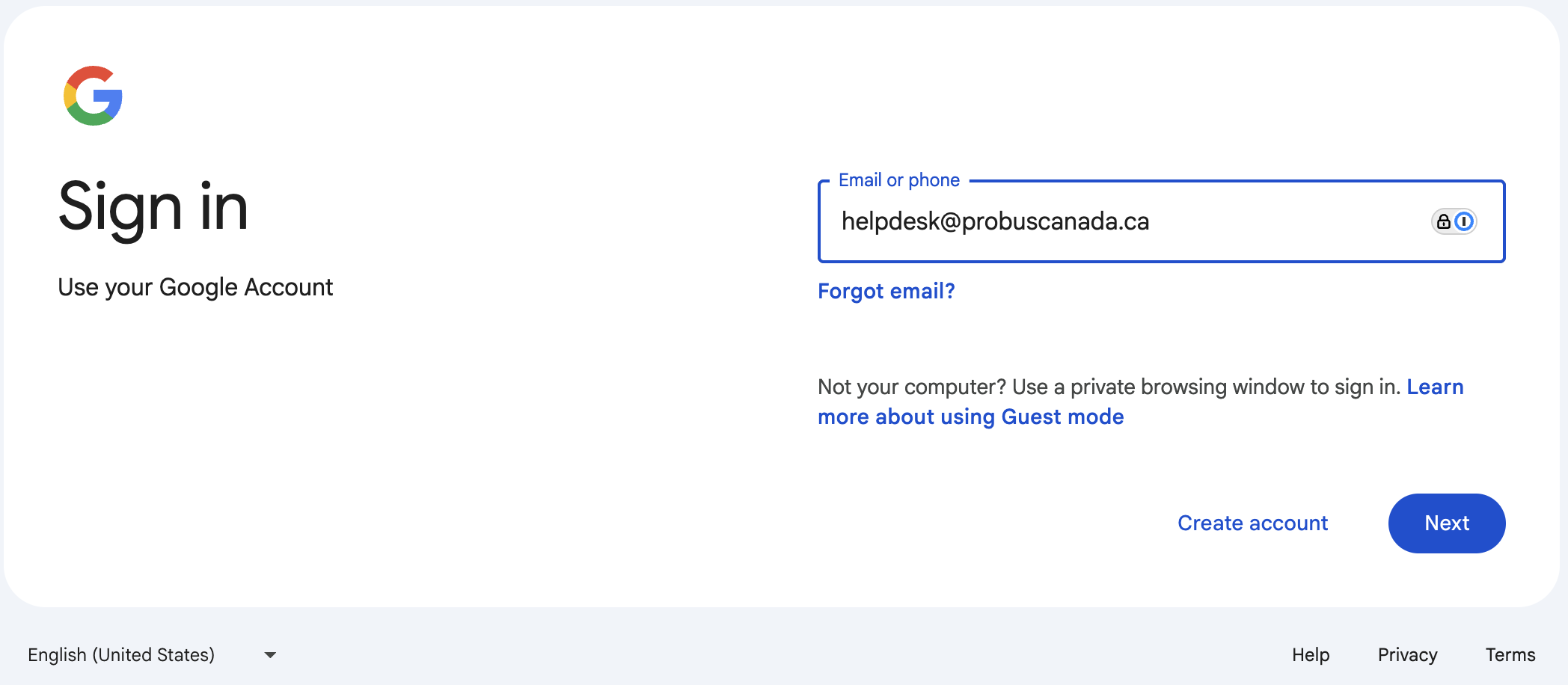
- Go to https://accounts.google.com
- Login as helpdesk@probuscanada.ca (password by separate channel from Ron or Martin)
- In the browser window you just authenticated
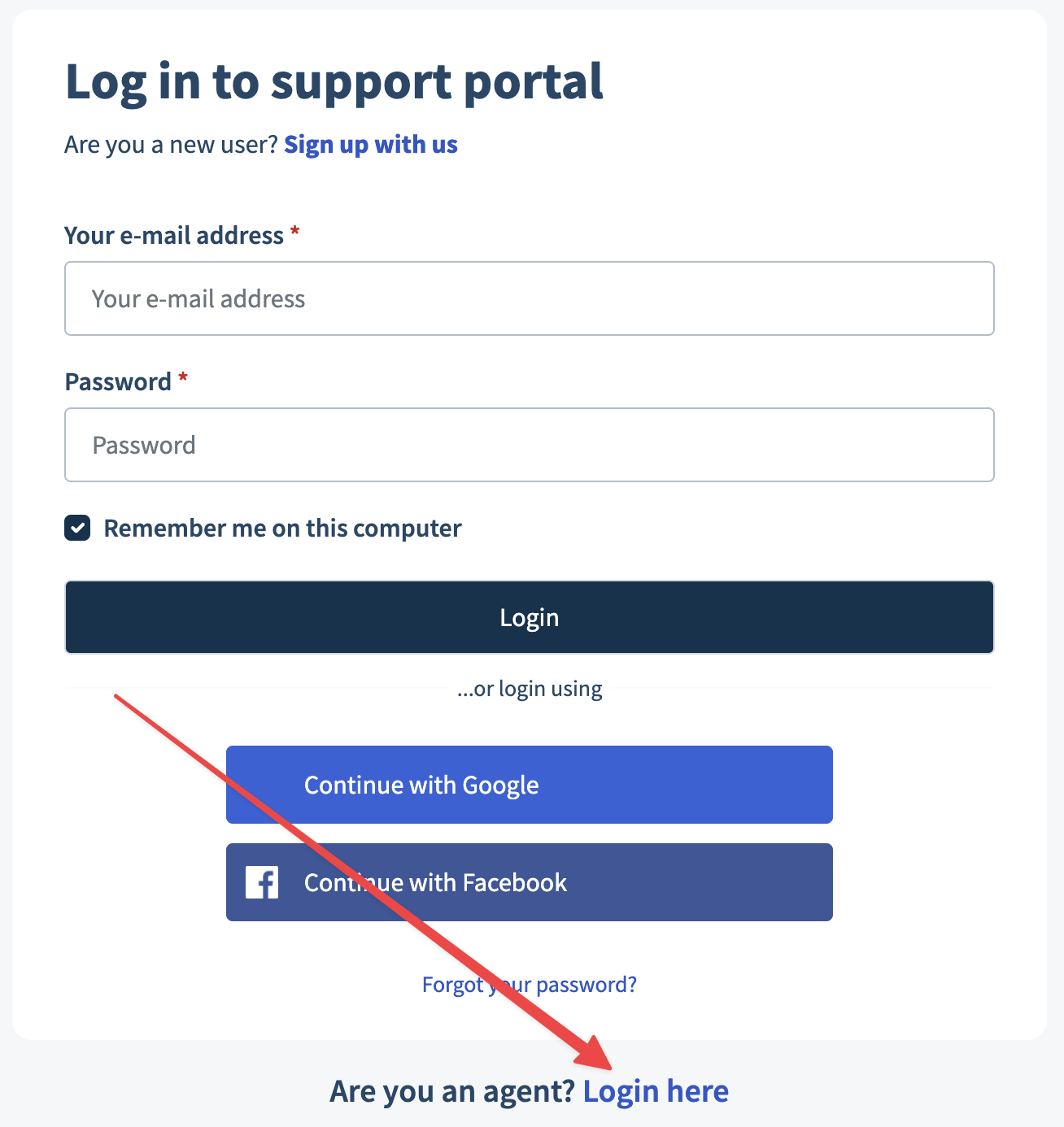
- Go to https://probuscanada.freshdesk.com/support/login
- Click on Login here at the bottom of the login form (red arrow pointing at it)
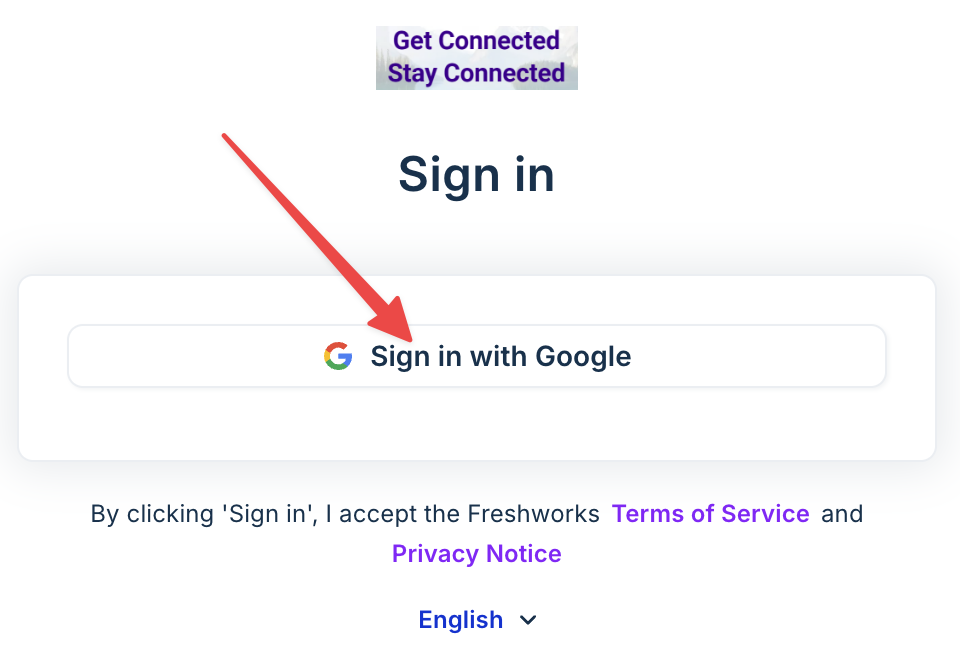
- Click on the button that says Sign in with Google
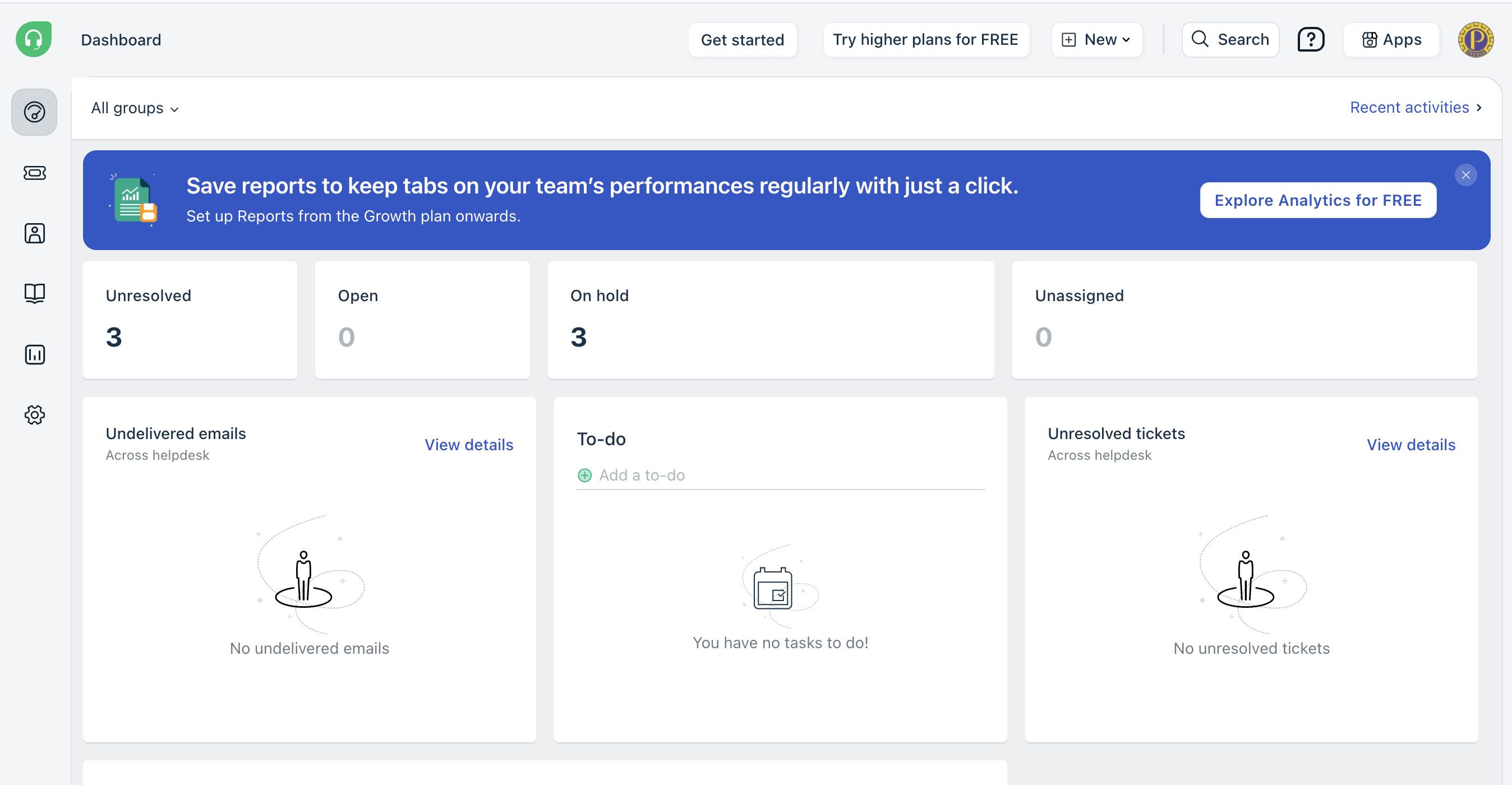
- Pick profile helpdesk@probuscanada.ca from the list and you should land at https://probuscanada.freshdesk.com/a/dashboard/default
Was this article helpful?
That’s Great!
Thank you for your feedback
Sorry! We couldn't be helpful
Thank you for your feedback
Feedback sent
We appreciate your effort and will try to fix the article